How to Track Wedding Vendor Payments and Remaining Balances

Updated
From Sort & Keep, the maker of the linked workbook.
Start with the agreed records
A wedding payment list works best when each number points back to a quote, invoice or written agreement. List the supplier, service and document location. Keep a quote separate from an agreed booking. If the final amount is not confirmed, label it as an estimate rather than letting it appear as a fixed commitment.
Separate totals and instalments
For a DIY table, use agreed total, confirmed payments, remaining balance and next due date. A separate payment list can record each instalment with its supplier reference. Do not add deposits to the agreed total: they are payments towards it unless the supplier’s written terms say otherwise. Keep any separate charges clearly described rather than hiding them in one unexplained figure.
Record payment after checking
A reminder to pay is different from proof of payment. Update the paid amount after checking the transaction and keep the receipt or confirmation in your private records. Where two people help with payments, agree who updates the shared file and when. Avoid storing full banking details in a planning workbook; use the supplier’s verified payment instructions.
Follow one supplier example
Fictional example: a photographer’s agreed total is £1,200. A £300 deposit is confirmed, leaving £900 outstanding. A later agreed £100 addition changes the total to £1,300 and the remaining balance to £1,000. Record the written change and its date. Without that note, someone reviewing the sheet later may reasonably wonder why the balance increased.
Review changes before the next payment
At each check-in, confirm upcoming dates, identify unconfirmed amounts and compare outstanding balances with the original documents. Put questions in a separate action list with an owner. If a booking changes or is cancelled, retain the history and record confirmed refunds separately. Your tracker should make conversations with suppliers easier; it does not decide cancellation rights, interpret contracts or automatically move money. Use the current written agreement as the source for payment obligations.
A workbook to start with
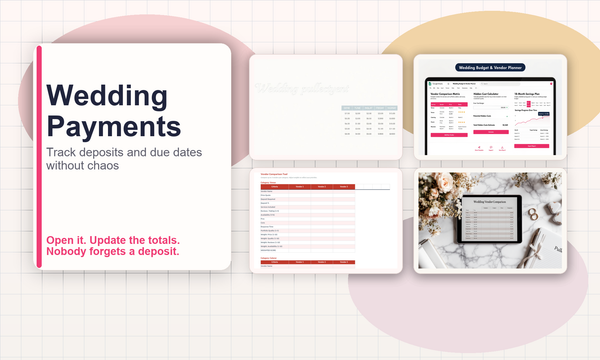
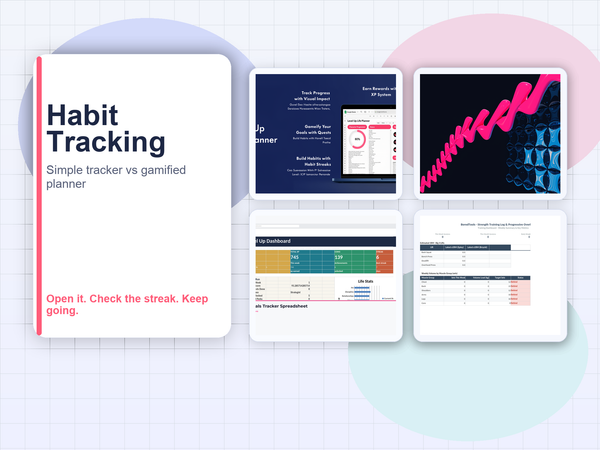
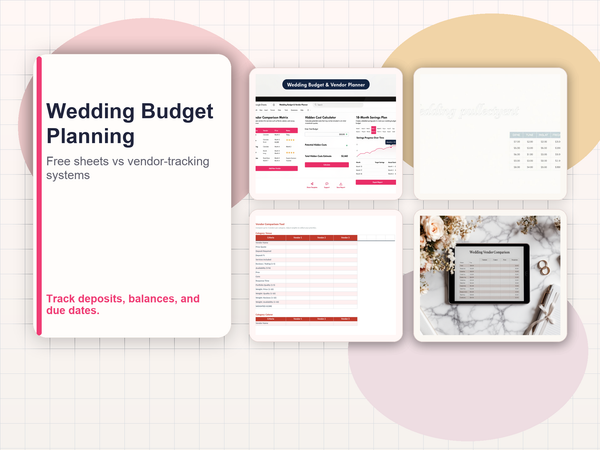
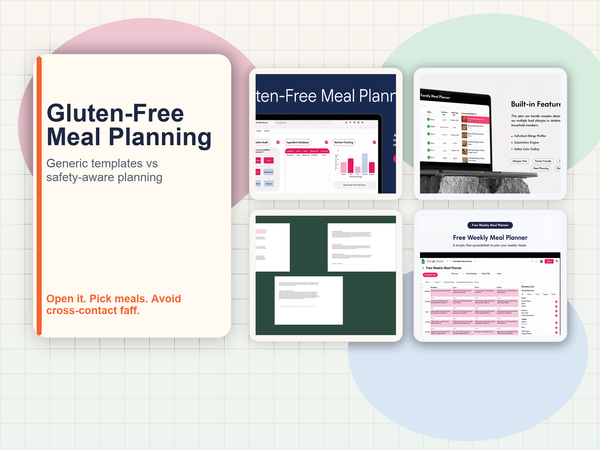
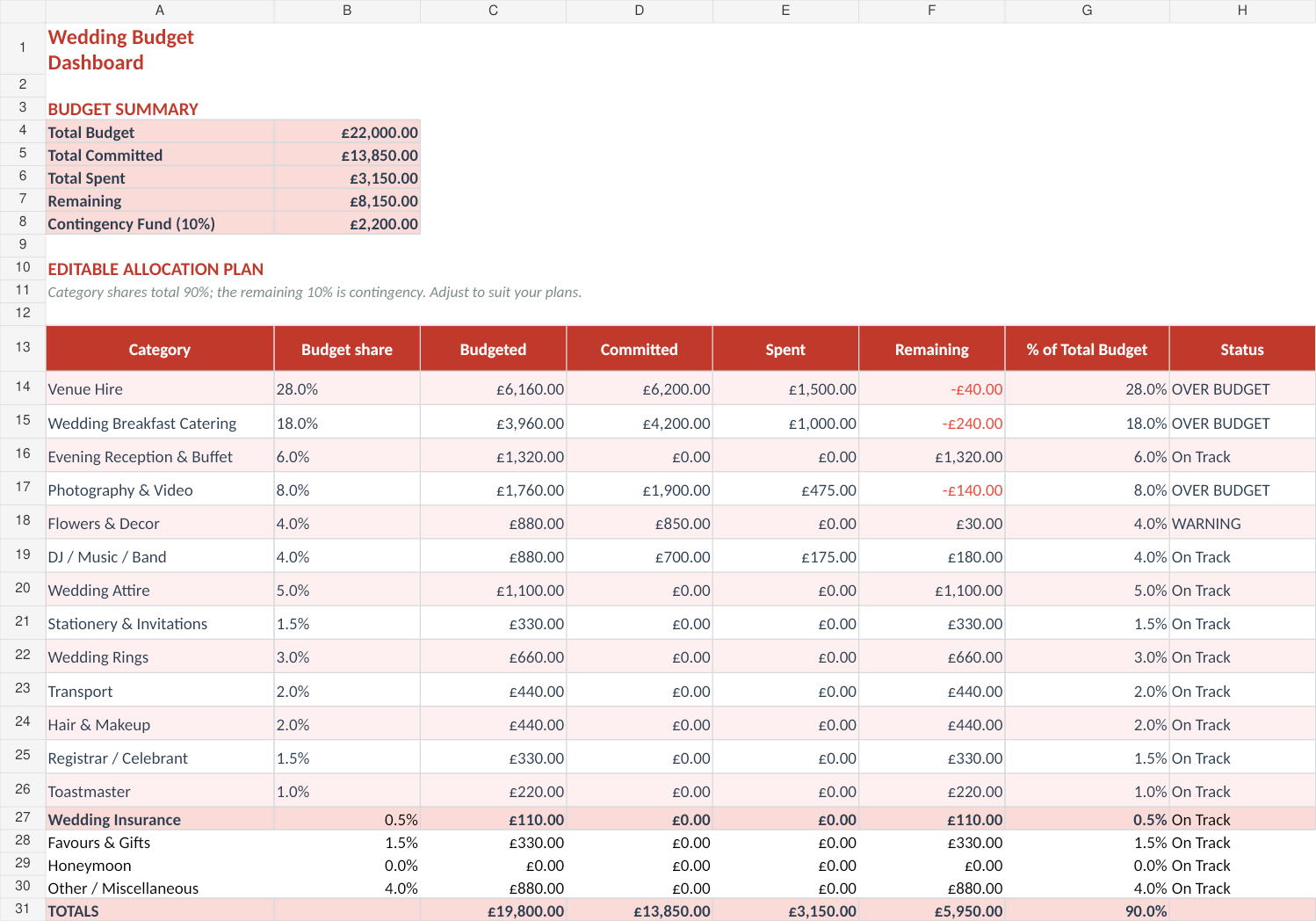
Wedding Budget & Vendor Planner includes budget, supplier comparison and payment-schedule views. It gives your wedding records a place to live; you maintain the figures and confirm arrangements with suppliers. See Wedding Budget & Vendor Planner.
The suggested DIY fields above describe the workflow, not a promise that every field is built into the supplied template. Keep an untouched copy, read the included instructions and work in Excel or import the file into Google Sheets.
Next read: Wedding Vendor Payment Timeline: See What Is Due Each Month.