Paycheck Budget Template: Plan Every Payday Without Guessing

Why budgeting by paycheck works better than monthly budgeting
Monthly budgets are built on a lie: that money arrives smoothly and bills space themselves out evenly. They don't. If you're paid weekly or biweekly, rent hits on the 1st, car insurance on the 15th, and the gap between paydays is where most people quietly overspend and pretend they didn't.
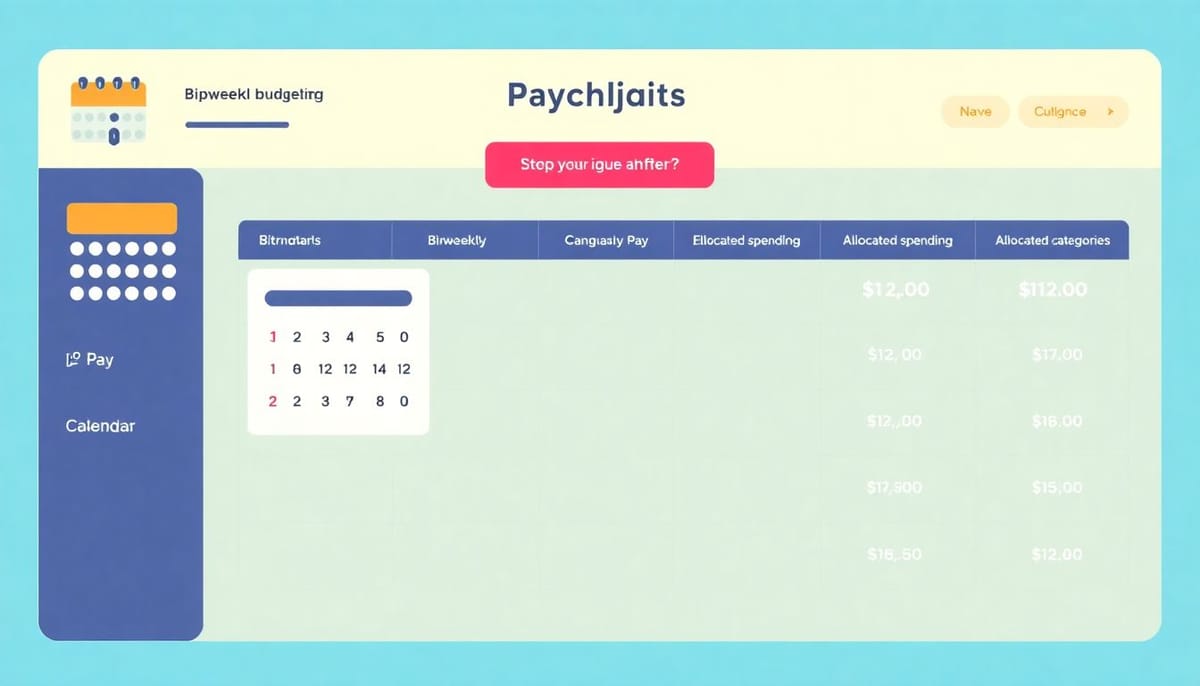
A paycheck budget assigns every bill to the specific payday that covers it. Instead of one bloated monthly plan you check once and ignore, you run two or four mini-budgets per month, each one balancing on its own. The difference is real: you stop wondering whether you can afford something and start knowing.
Looking for more tools? Explore our products!
If you want a spreadsheet that already has this built in, get the Budget Dashboard 2026 for $7.99 on Payhip. It includes a paycheck planner tab that maps bills to paydays automatically. Worth it on the first payday alone.
How a paycheck budget is structured
The two-payday model
Split your monthly expenses into two groups. First payday covers rent, utilities, and groceries for the first half of the month. Second payday takes the remaining bills, transport, and any spending money. The rule is simple: each payday must cover its assigned bills with something left over for a buffer.
That leftover isn't extra spending money. It's the gap fund that carries you to the next payday without touching a credit card.
Bill due-date mapping
List every recurring bill with its due date and amount. Then assign each bill to the payday that falls before its due date. A bill due on the 14th belongs to payday one even if it feels like mid-month. Many people get this wrong and end up short every time.
Rollover buffer logic
Money left after payday one doesn't vanish. It rolls into a buffer for the gap before payday two. This buffer is the whole point. It's what stops you from treating credit cards as a float account between pay periods.
The Budget Dashboard 2026 handles this automatically. What you get:
- Paycheck planner tab that splits bills by due date
- Bill due-date tracker with calendar view
- Rollover buffer logic that carries unspent money forward
- Month-end summary dashboard comparing plan vs actual
If you're building one from scratch in Google Sheets or Excel, the budget dashboard setup guide walks through the formulas you need.
Setting up your paycheck budget spreadsheet
Step 1: List all bills with due dates
Write down every fixed and variable bill, the amount, and the day of the month it's due. Annual bills get divided by 12 and assigned a monthly contribution to a sinking fund. Do this before you do anything else. The list is always longer than you remember.
Step 2: Map bills to paydays
Paid on the 1st and 15th? Bills due between the 1st and 14th come from payday one. Bills due between the 15th and 31st come from payday two. Paid weekly? Divide into four groups. The bi-weekly budget template has a pre-built mapping table if you need a starting point.
Step 3: Calculate your buffer
Subtract assigned bills from each payday amount. The remainder is your buffer. If any payday comes up negative, move a variable expense to the next payday or cut discretionary spending for that period. It's not complicated. It just requires you to actually do the maths instead of hoping it works out.
Common paycheck budget mistakes
Ignoring the timing gap. A bill due on the 14th is not mid-month if your second payday is the 15th. It comes from payday one. Get this wrong once and you'll figure out the rule fast.
Underestimating variable expenses. Food and petrol aren't fixed. Estimate high and treat the surplus as buffer. Budgeting low to feel better about your plan is how people run out of money three days before payday.
No emergency mini-fund. Even £50 sitting between paydays changes the game. It means a flat tyre or a surprise bill doesn't immediately become credit card debt. If you're starting fresh, the 50/30/20 template includes a built-in emergency allocation you can adapt.
Get the spreadsheet
Building this manually takes a few hours and still requires testing. Or you spend $7.99 and have a working paycheck planner today, with the buffer logic, due-date mapping, and month-end dashboard already built in.
Get the Budget Dashboard 2026 on Payhip →
Choose the right next step
Need a simple budget tracker spreadsheet? Start with the Free Budget Tracker. Use Budget Dashboard 2026 when you want budgets, debt, savings and net worth in one workbook. Choose the Complete Collection when several parts of life admin need sorting.